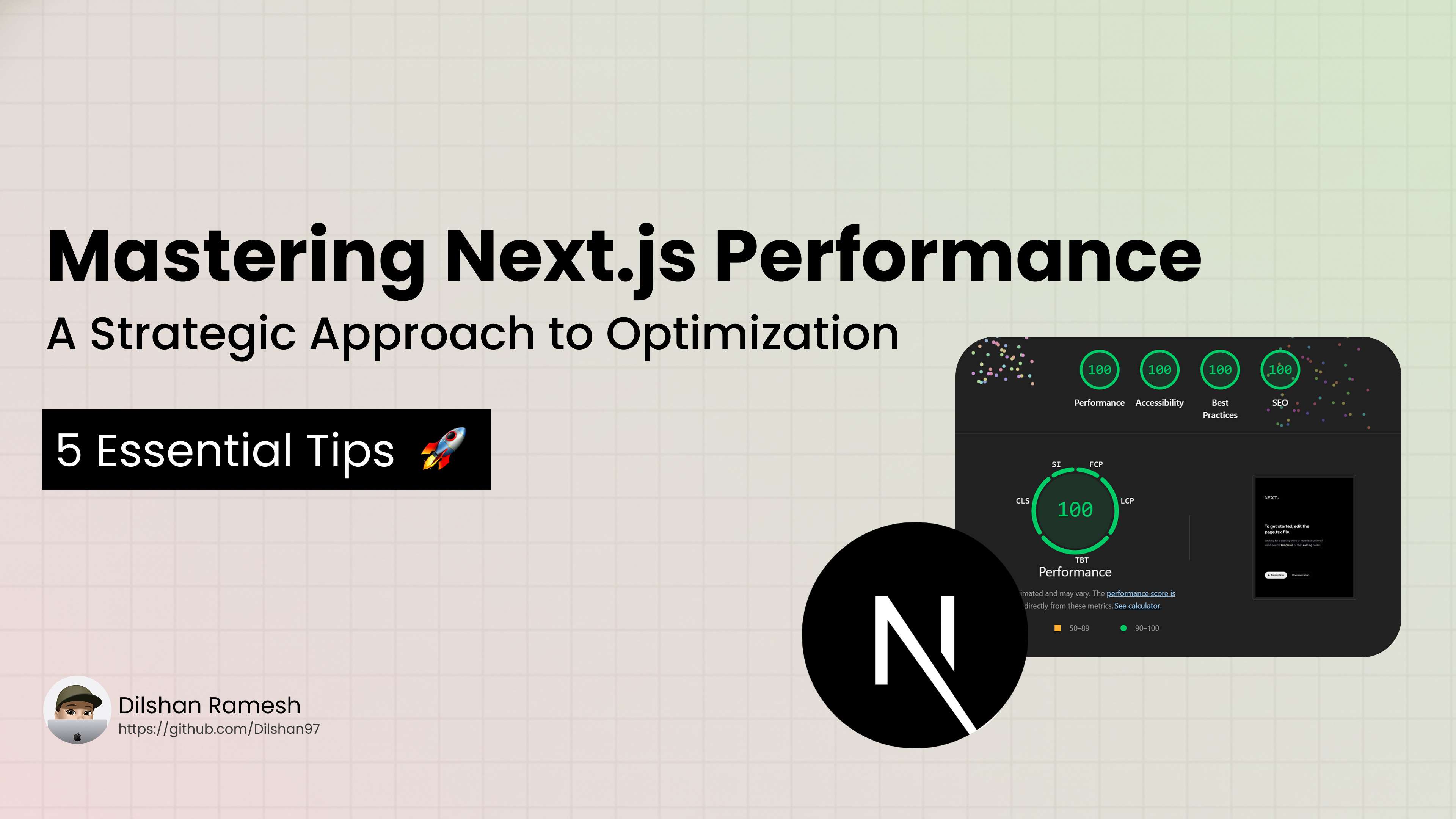
Next.js gives you powerful capabilities out of the box, but as applications scale, performance bottlenecks can slip into production. High Largest Contentful Paint (LCP), heavy First Load JS, and sluggish Time to Interactive (TTI) can harm user engagement and SEO.
Here is a practical guide to optimizing Next.js web apps for maximum speed, low latency, and better Core Web Vitals.
1. Master Modern Rendering & Component Architecture
Default to React Server Components (RSC)
Avoid adding "use client" at the top of your files unless interactive state or browser APIs are required.
- Server Components (Default): Render on the server, execute zero JavaScript on the client, and send pure HTML.
- Client Components (
"use client"): Ship JavaScript to the client bundle.
// ❌ Avoid marking entire layouts/pages as client components
"use client";

// ✅ Keep interactive elements isolated in small, leaf-level components
import { CounterButton } from "@/components/CounterButton";

export default async function ProductPage() {
  const data = await getProductData(); // Fetched entirely on server

  return (
    <div>
      <h1>{data.title}</h1>
      <CounterButton />
    </div>
  );
}
Dynamic Imports for Non-Critical Components
Code-split components that aren't visible on initial render (such as modals, slide-overs, or heavy chart libraries) using next/dynamic:
import dynamic from 'next/dynamic';

const AnalyticsDashboard = dynamic(() => import('@/components/AnalyticsDashboard'), {
  loading: () => <p>Loading dashboard...</p>,
  ssr: false // Skip server-side rendering if browser-only APIs are used
});
2. Media & Asset Optimization
Leverage next/image Effectively
The built-in <Image/> component handles lazy loading, responsive sizing, and modern WebP/AVIF conversions automatically.
- Fix Layout Shift (CLS): Always specify explicit
widthandheight(or usefill) to prevent cumulative layout shifts. - Optimize LCP: For hero images or above-the-fold banners, pass
priority={true}to disable lazy loading and instruct the browser to preload the image immediately.
import Image from 'next/image';

// Hero image (Above the fold)
<Image
  src="/hero.webp"
  alt="Dashboard Preview"
  width={1200}
  height={600}
  priority
/>
Optimize Web Fonts with next/font
Avoid standard <link rel="stylesheet"> tags for Google Fonts, which introduce network request waterfalls. Use next/font to automatically inline font CSS and self-host font files zero layout shift.
import { Inter } from 'next/font/google';

const inter = Inter({
  subsets: ['latin'],
  display: 'swap',
  variable: '--font-inter',
});

export default function RootLayout({ children }) {
  return (
    <html lang="en" className={inter.variable}>
      <body>{children}</body>
    </html>
  );
}
3. Script & Third-Party Management
Third-party scripts (analytics, heatmaps, ad engines) often degrade initial load speed.
Use next/script with an explicit loading strategy:
import Script from 'next/script';

{/* Loads after the page becomes interactive */}
<Script
  src="https://www.googletagmanager.com/gtag/js?id=GA_MEASUREMENT_ID"
  strategy="afterInteractive"
/>

{/* Delays execution until browser idle time */}
<Script
  src="https://example.com/heavy-analytics.js"
  strategy="lazyOnload"
/>
For popular third parties, use @next/third-parties for pre-optimized wrappers (Google Tag Manager, YouTube Embeds, Google Maps).
4. Bundle Size & Dependency Auditing
Analyze Your JavaScript Bundles
Large JavaScript files cause slow Time to Interactive (TTI). Inspect bundle compositions using @next/bundle-analyzer:
- Install:
npm install @next/bundle-analyzer - Configure
next.config.js:
const withBundleAnalyzer = require('@next/bundle-analyzer')({
  enabled: process.env.ANALYZE === 'true',
});

module.exports = withBundleAnalyzer({
  // your Next.js config
});- Run:
ANALYZE=true npm run build
Avoid Barrel Files & Optimize Package Imports
Importing directly from barrel files can unintentionally bundle entire libraries into client builds. Leverage optimizePackageImports in next.config.js to automatically tree-shake large libraries (e.g., lucide-react, lodash-es, @mui/icons-material):
// next.config.js
module.exports = {
  experimental: {
    optimizePackageImports: ['lucide-react', 'date-fns', 'lodash-es'],
  },
};
5. Development Workflow Improvements
- Use Turbopack: Turbopack is the default bundler for Next.js development and delivers drastically faster local compilation times compared to Webpack. Ensure dev server runs via
next dev(ornext dev --turbo). - Avoid Docker Filesystem Overheads on Dev: Running Docker for local development on macOS/Windows often slows down Hot Module Replacement (HMR) due to virtualized file access. Run local dev servers (
npm run dev) directly on your machine and reserve Docker for production environments.
Summary Checklist
| Focus Area | Core Action | Metric Targeted |
|---|---|---|
| Architecture | Keep components server-side (RSC) by default. | Bundle Size / TTI |
| Images | Set priority on hero images; explicit sizes. | LCP & CLS |
| Fonts | Self-host with next/font. | FCP & CLS |
| Scripts | Use next/script with lazyOnload strategies. | TBT / FID |
| Bundles | Audit with @next/bundle-analyzer & tree-shake package imports. | Initial JS Load |