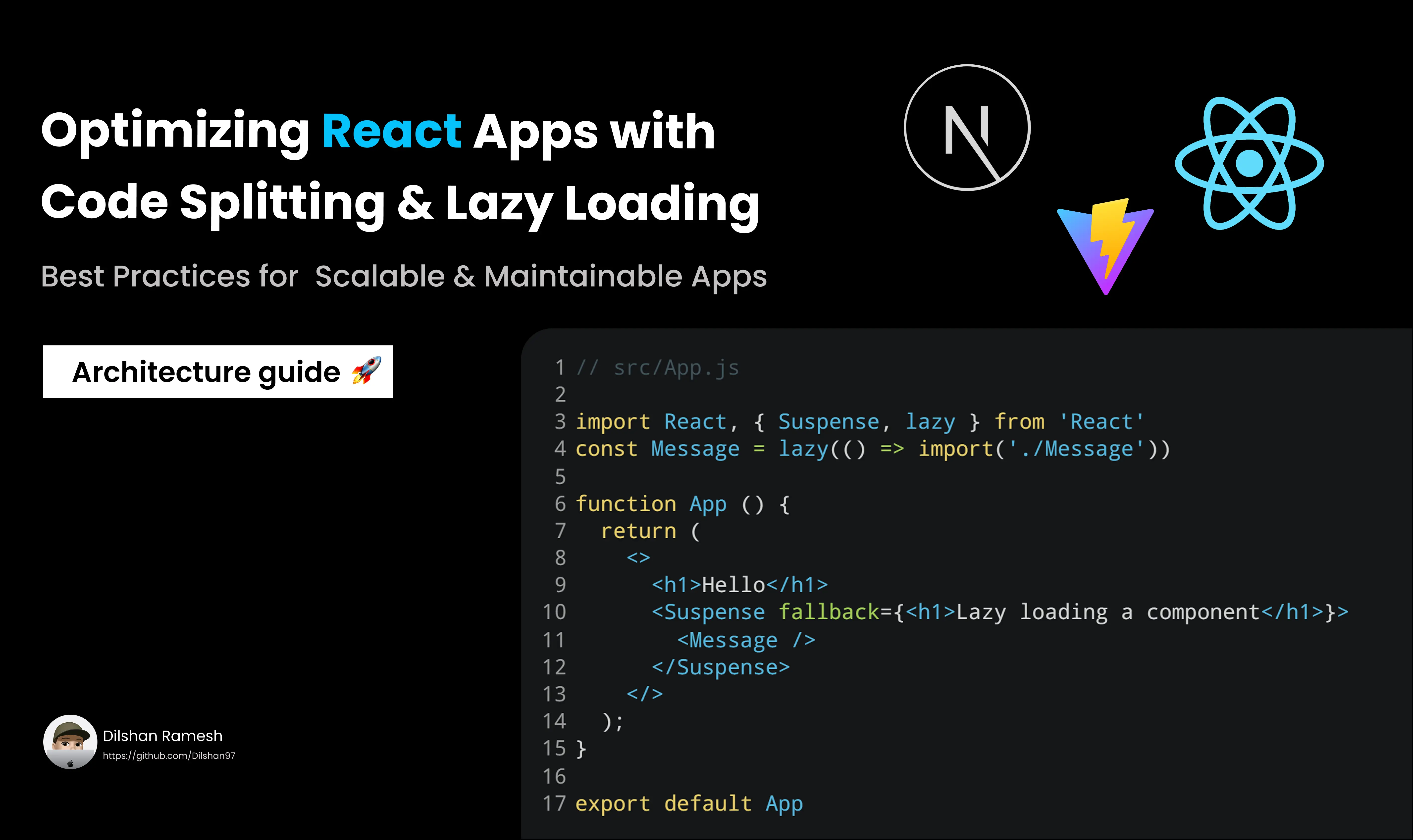
Performance optimization is a critical challenge in modern web development. React’s built-in support for code splitting and lazy loading enables developers to load only the necessary code when needed, improving load times and user experience. Let's explores how to implement these techniques effectively using React’s tools like React.lazy, Suspense, and dynamic imports.
What Is Code Splitting?
Code splitting is a technique that breaks down a large JavaScript bundle into smaller chunks that are loaded on demand. Instead of loading the entire application at once, only the code needed for the current view is fetched. This approach reduces initial load times and allows the application to scale better.
React supports code splitting natively via dynamic imports and tools like Webpack.
Lazy Loading in React
Lazy loading is a way to delay loading certain parts of the application until they are actually needed. React provides the React.lazy function, which allows you to define components that are loaded dynamically.
Example: Lazy Loading a Component
import React, { Suspense } from "react";

const LazyComponent = React.lazy(() => import("./LazyComponent"));

function App() {
  return (
    <div>
      <h1>Welcome to My App</h1>
      <Suspense fallback={<div>Loading...</div>}>
        <LazyComponent />
      </Suspense>
    </div>
  );
}

export default App;
In this example:
React.lazy dynamically imports the LazyComponent only when it's rendered. Suspense provides a fallback UI while the component is loading.
Code Splitting with React Router A common use case for code splitting is lazy-loading routes in a React application. This ensures only the code for the active route is loaded, reducing the initial bundle size.
Example: Lazy Loading Routes with React Router
import React, { Suspense } from "react";
import { BrowserRouter as Router, Routes, Route } from "react-router-dom";

const Home = React.lazy(() => import("./Home"));
const About = React.lazy(() => import("./About"));
const Contact = React.lazy(() => import("./Contact"));

function App() {
  return (
    <Router>
      <Suspense fallback={<div>Loading...</div>}>
        <Routes>
          <Route path="/" element={<Home />} />
          <Route path="/about" element={<About />} />
          <Route path="/contact" element={<Contact />} />
        </Routes>
      </Suspense>
    </Router>
  );
}

export default App;
Here, each route’s component is loaded only when the route is accessed.
Preloading Critical Components
While lazy loading improves performance by deferring code, it may result in delays when loading critical components. Preloading can address this issue by fetching components before they’re needed, ensuring seamless transitions.
Example: Preloading with Dynamic Imports
import React, { useEffect, Suspense } from "react";

const LazyComponent = React.lazy(() => import("./LazyComponent"));

// Preload the component
const preloadComponent = () => {
  import("./LazyComponent");
};

function App() {
  useEffect(() => {
    preloadComponent(); // Preload the component on app load
  }, []);

  return (
    <div>
      <h1>Welcome to My App</h1>
      <Suspense fallback={<div>Loading...</div>}>
        <LazyComponent />
      </Suspense>
    </div>
  );
}

export default App;
This approach combines lazy loading with preloading to optimize performance and user experience.
Advanced Tools for Code Splitting
- Webpack: Automatically splits bundles and manages dynamic imports.
- React Loadable: A library for handling dynamic imports with more control.
- Vite: Offers fast, efficient bundling and built-in code splitting for React.
Adding Code Splitting and Lazy Loading with Vite
Vite is a modern build tool that provides an efficient development experience and fast build times. It includes built-in support for code splitting and lazy loading, making it an excellent choice for optimizing React applications.
How Vite Handles Code Splitting
Vite leverages ES Module imports and dynamic imports for code splitting. Unlike traditional bundlers that require extensive configuration, Vite automatically splits your code into smaller chunks based on dynamic imports. These chunks are loaded on demand, improving performance for large applications.
Example: Vite’s Automatic Code Splitting
import React, { Suspense } from "react";

const LazyComponent = React.lazy(() => import("./LazyComponent"));

function App() {
  return (
    <div>
      <h1>Welcome to My Vite App</h1>
      <Suspense fallback={<div>Loading...</div>}>
        <LazyComponent />
      </Suspense>
    </div>
  );
}

export default App;
When using React.lazy with dynamic imports in Vite, the build process automatically creates separate JavaScript chunks for LazyComponent, loaded only when the component is rendered.
Configuring Vite for Advanced Code Splitting
You can customize Vite’s chunking behavior using the build.rollupOptions configuration. This allows you to group certain modules into shared chunks for better optimization.
Example: Customizing Code Splitting
// vite.config.js
import { defineConfig } from "vite";
import react from "@vitejs/plugin-react";

export default defineConfig({
  plugins: [react()],
  build: {
    rollupOptions: {
      output: {
        manualChunks: {
          vendor: ["react", "react-dom"], // Separate React into its own chunk
        },
      },
    },
  },
});
This configuration ensures that commonly used libraries like React are grouped into a separate vendor chunk, optimizing caching.
Lazy Loading Routes with React Router and Vite Just like with other bundlers, you can use React Router and Vite for lazy-loading routes in your application.
Example: Lazy Loading Routes with Vite
import React, { Suspense } from "react";
import { BrowserRouter as Router, Routes, Route } from "react-router-dom";

const Home = React.lazy(() => import("./Home"));
const About = React.lazy(() => import("./About"));

function App() {
  return (
    <Router>
      <Suspense fallback={<div>Loading...</div>}>
        <Routes>
          <Route path="/" element={<Home />} />
          <Route path="/about" element={<About />} />
        </Routes>
      </Suspense>
    </Router>
  );
}

export default App;
In this example, Vite handles the dynamic imports for Home and About routes, splitting them into separate chunks.
Preloading with Vite
Vite includes a built-in preloading mechanism for prefetching critical assets. By default, <link rel="modulepreload"> is added for dynamically imported chunks, ensuring faster load times.
Example: Using Preloading in Vite
To preload additional assets or chunks, use dynamic imports with the import.meta.glob feature:
const preloadChunks = import.meta.glob("./components/*.js", { eager: true });This preloads all components in the components directory, making them available before rendering.
Performance Gains and Limitations
Benefits:
- Improved Load Times: Users download only the code they need.
- Reduced Bundle Size: Smaller initial JavaScript payload.
- Scalability: Easier to maintain and extend large applications.
Drawbacks:
- Initial Complexity: Setting up lazy loading and code splitting requires additional effort.
- Flashing: Users may see fallback content briefly during lazy loading.
- Testing: Requires careful testing to ensure smooth transitions.
Conclusion
Code splitting and lazy loading are powerful techniques for optimizing React applications. By leveraging tools like React.lazy, Suspense, and React Router, developers can significantly enhance performance while maintaining a responsive user experience. Preloading critical components ensures that lazy loading does not compromise usability, creating a balanced approach to high-performance apps.