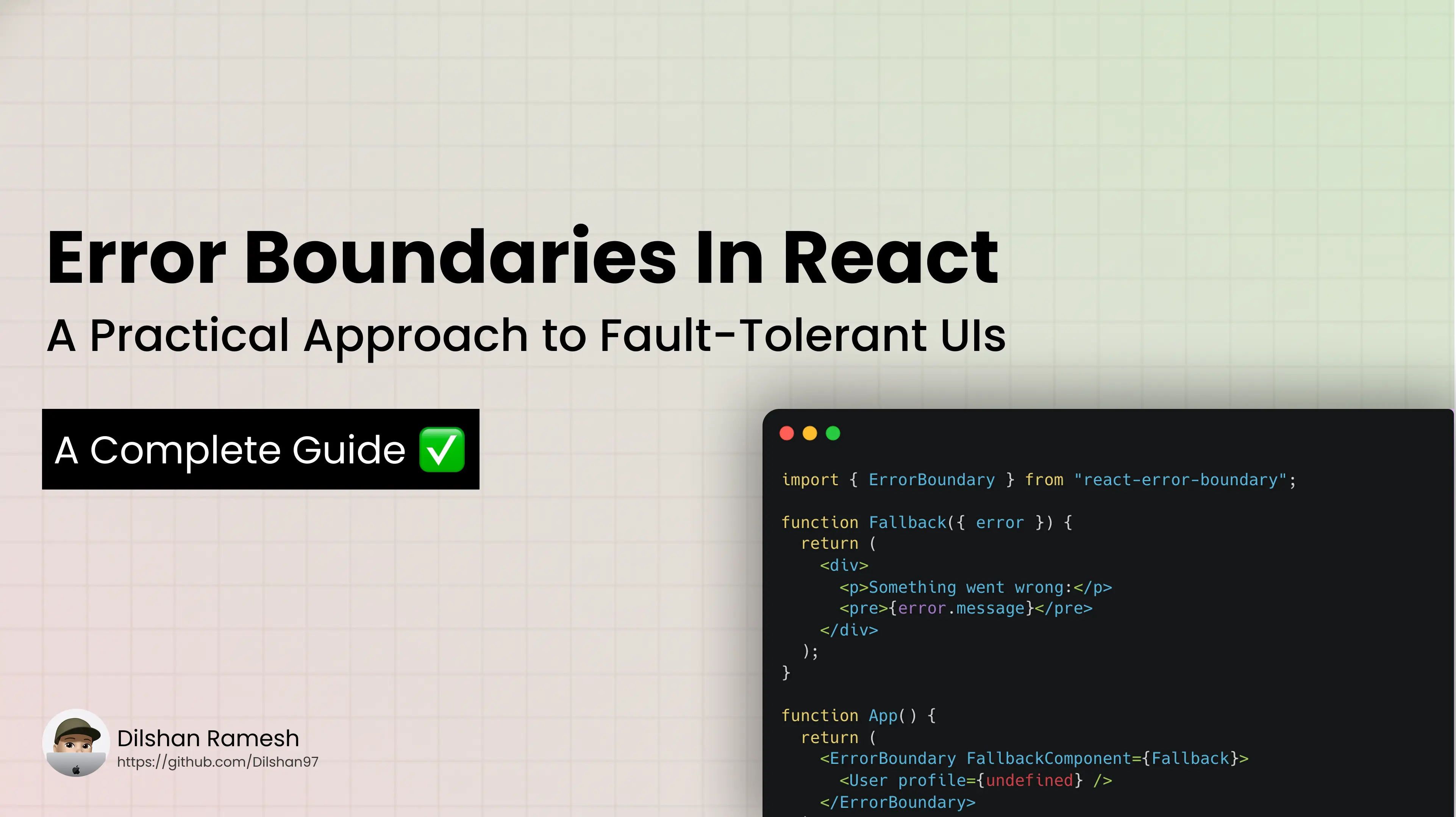
When building React applications, errors are inevitable. They can occur due to various reasons, such as network failures, unexpected user input, or bugs in the code. Without proper error handling, these errors can lead to a poor user experience and even application crashes.
Modern frontend development, building resilient and user-friendly applications, requires a deep understanding of error handling. In React, error boundaries are a powerful tool that allows developers to catch and handle runtime errors gracefully, preventing the entire application from crashing.
What is an Error Boundary?
An error boundary is a React component that catches JavaScript errors anywhere in its child component tree, logs those errors, and displays a fallback UI instead of the component tree that crashed.
Why do we need Error Boundaries?
Error boundaries are essential for improving the user experience in React applications. Without error boundaries,
- A single error in a component can cause the entire application to crash.
- Leading to a poor user experience.
By implementing error boundaries, developers can isolate errors and provide users with a more stable and reliable application.
What can Error Boundaries catch?
Error boundaries can catch JavaScript errors that occur during the rendering of a component, in lifecycle methods, and in constructors of the entire tree below them.
They catch,
- Rendering errors
- Lifecycle method errors
- Constructor errors
They do not catch errors for,
- Event handlers (use try/catch inside them)
- Asynchronous code (e.g., setTimeout, Promises)
- Server-side rendering (SSR) errors
How to create an Error Boundary?
To create an error boundary, you need to define a React component that implements the componentDidCatch lifecycle method or the getDerivedStateFromError static method.
import React from 'react';
class ErrorBoundary extends React.Component {
  constructor(props) {
    super(props);
    this.state = { hasError: false };
  }
static getDerivedStateFromError(error) {
    // Update state so the next render shows fallback UI
    return { hasError: true };
  }
  componentDidCatch(error, errorInfo) {
    // You can log the error to an error reporting service
    console.error("Error caught by Error Boundary:", error, errorInfo);
  }
  render() {
    if (this.state.hasError) {
      return <h2>Something went wrong. Please try again later.</h2>;
    }
    return this.props.children;
  }
}
Using the Error Boundary
<ErrorBoundary>
  <MyComponent />
</ErrorBoundary>
Best Practices for Error Boundaries
- Wrap High-Risk Components: Like third-party widgets, heavy rendering components, or experimental UIs.
- Log the Errors: Use services like Sentry or LogRocket inside componentDidCatch.
- Granular Boundaries: Don’t wrap your entire app in a single error boundary — use them where failures are more likely.
- Custom Fallback UI: Build user-friendly messages or recovery options (e.g., Retry, Contact Support).
Limitations of Error Boundaries
- Error boundaries only catch errors in the component tree below them. They do not catch errors in themselves or in their children.
- They do not catch errors in event handlers, asynchronous code, or server-side rendering.
- They cannot recover from errors in the error boundary itself. If an error occurs in the error boundary, it will not be caught, and the application may crash.
- Error boundaries must be class components. Hooks like useEffect or useErrorHandler don’t provide the same lifecycle-based error catching.
However, libraries like react-error-boundary give a hook-friendly alternative using HOCs and render props.
Real-World Example
If you’re integrating something like Stripe or PayPal, which uses embedded components, and the script fails, it may break your checkout.
Wrap the payment component with an error boundary to protect the rest of the page:
<ErrorBoundary>
  <StripeCheckout />
</ErrorBoundary>
Useful Resources
- react-error-boundary: Simplifies error boundaries with hooks support
- Sentry: For error tracking and real-time alerting
- LogRocket: For session replays and debugging
Conclusion
Error boundaries are a powerful feature in React that help manage and handle errors gracefully, improving the user experience and making your application more robust. By implementing error boundaries strategically, you can prevent entire components from crashing and provide a better fallback UI to users.